Text
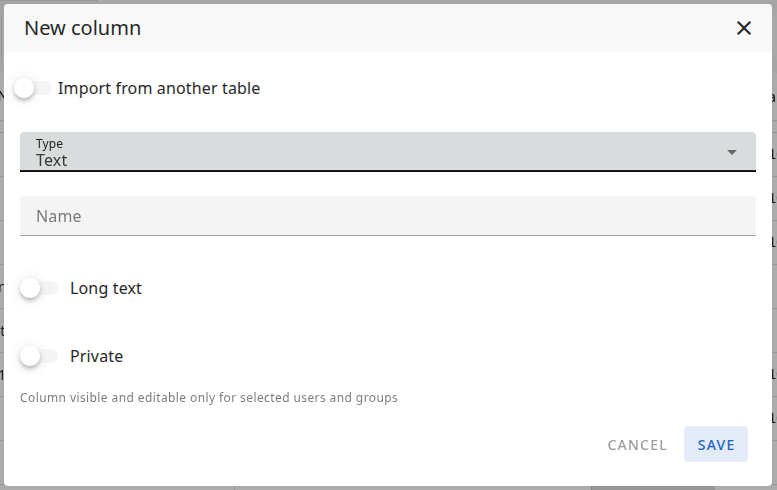
A Text column stores text per row. In addition to the standard options (Name and Private), you can enable Long text to use a larger editor for longer content (e.g. descriptions). When Long text is off, the cell is a single-line text field for shorter text.
New column form
When you add a Text column, you configure it in the New column modal.
Name
The Name of the column — this is the label shown in the table header. For example: "Title", "Description", "Notes".
Long text
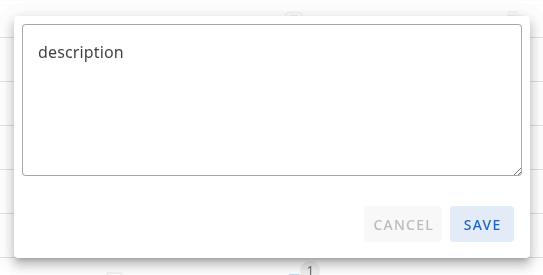
- When Long text is on — The cell shows a larger editor so users can enter and view more text (e.g. descriptions, notes). Use this for longer content.
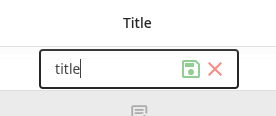
- When Long text is off — The cell shows a single-line text field for shorter text (e.g. titles, labels).
Private
When Private is on, the column is visible and editable only for selected users and groups. You define who can view and edit the column. Other users will not see or edit this column.
Column types: Overview · Text · Number · Status · Timespan · Date · People · List · Project list · Files · Owner · Checkbox · ID