Owner
An Owner column is read-only. It shows the user who created the row in the table. You cannot edit this value; it is set automatically when a row is created. In addition to Name and Private, you can enable Show creation time to display when the row was created next to the owner’s avatar.
New column form
When you add an Owner column, you configure it in the New column modal.
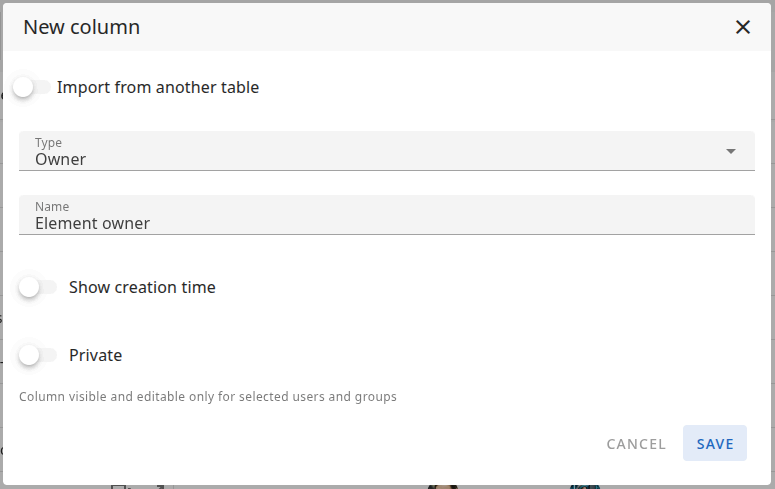
Name
The Name of the column — this is the label shown in the table header. For example: "Owner", "Created by", "Author".
Show creation time
When Show creation time is on, the creation time of the row is displayed in the table next to the creator’s avatar. When it is off, only the owner (avatar/name) is shown.
Private
When Private is on, the column is visible and editable only for selected users and groups. You define who can view the column. Other users will not see it. (The column itself is read-only; Private controls who can see it.)
Column types: Overview · Text · Number · Status · Timespan · Date · People · List · Project list · Files · Owner · Checkbox · ID